
App Store Category Landscape
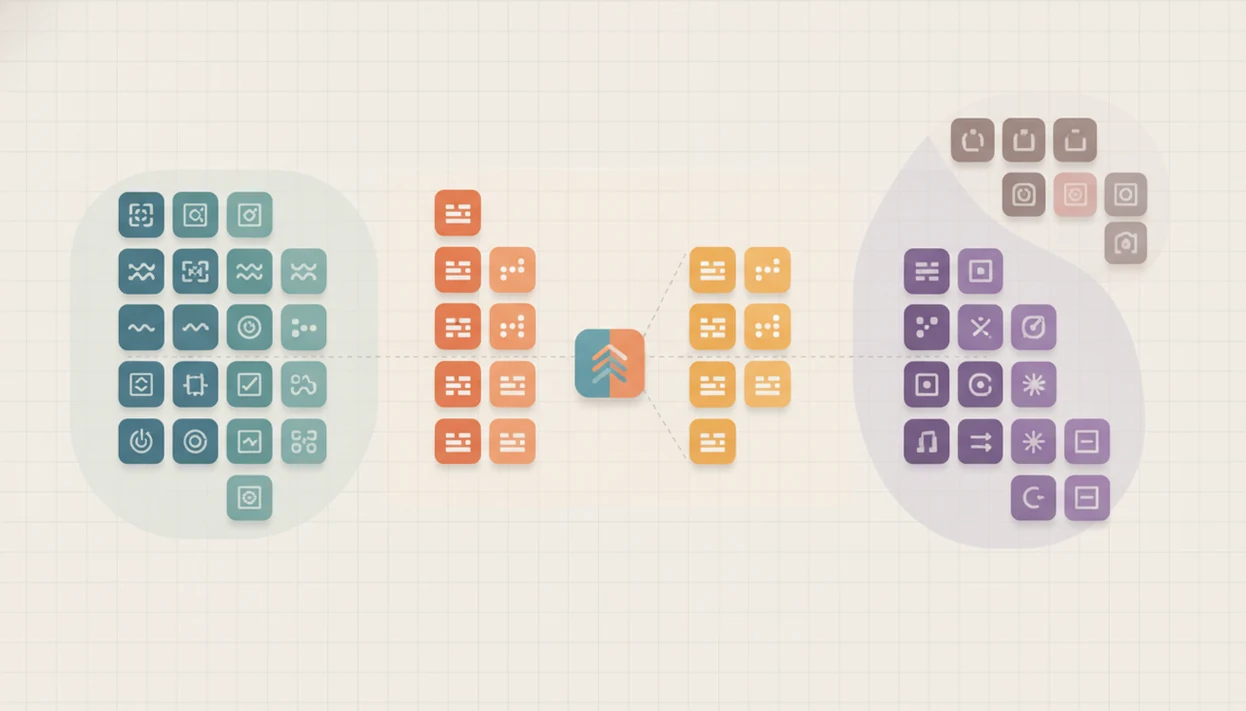
App store categories are the labels Apple’s App Store and Google Play use to group apps by their main user purpose, such as Games, Finance, Health & Fitness, or Business. For builders and marketers, the category choice affects browse discovery, chart competition, editorial fit, and whether store reviewers see the listing as accurate.
Definition: App store categories are mandatory publisher-selected labels that classify an app by its primary function and user experience inside an app marketplace.
TL;DR
- Pick the category that best matches what users primarily do with the app, not the underlying technology.
- Primary category choice influences browse placement, top charts, competition, and editorial eligibility.
- A less crowded category can improve chart traction, but only if it still matches user intent.
App store categories definition for publishers
App store categories are mandatory marketplace classifications that tell Apple’s App Store or Google Play what an app is mainly for. They help stores group apps for browsing, charts, collections, search refinement, and navigation.
For current publisher rules, verify the category lists in Apple’s App Store Connect Help (Apple Developer documentation) and Google Play Console Help (Google Support).
The practical rule is simple: choose the category that matches the user’s main job. A budgeting app belongs near finance behavior, even if it uses AI models, cloud sync, or bank data infrastructure behind the scenes. The store reviewer and the user both see the listing, not the backend architecture.
Before changing metadata, many teams still open Apple Developer documentation in one tab and Google Play policy in another. Boring, but useful. The safer reading is to separate what the store requires from what marketers recommend.
Good independent guides on mobile app product, growth, app store discovery, shipping, and industry trends deliver policy-aware operating choices, not tricks for mislabeling an app.
Five facts about app store categories
- Every submitted app needs at least one category that accurately reflects its core purpose.
- The primary category affects charts, browse placement, rankings, and other discovery surfaces.
- Irrelevant category choices can create review risk, policy penalties, and user trust problems.
- Secondary categories can broaden reach when they match a real adjacent user intent.
- Category choice is an ASO and competitive positioning lever, not just a form field.
A founder may check keyword rank in a spreadsheet before coffee and see the same term move from position 18 to 23. Category context helps explain that movement, but it rarely explains it alone. Keywords, conversion, ratings, creative assets, and category competition all sit in the same operating picture.
Small changes still matter.
How app store categories work in discovery systems
App store categories work as a taxonomy layer for marketplace discovery. In plain terms, the category is a filing system that helps the store decide where an app can appear before any user taps the listing.
Stores use category metadata to route apps into browse pages, top charts, rankings, themed collections, and editorial review queues. That metadata works alongside keywords, conversion rate, ratings, retention signals, pricing, policy review, and release quality. The algorithms are not fully public, so teams should combine official rules with observed performance.
For app publishers, category selection usually works best when it reflects the user’s main task, while keyword and creative testing explain why one accurate listing outperforms another.
One release team noticed a crash report chart spiking after an update, then watched category rank soften the same week. The category did not cause the crash. It did shape the comparison set where the damage appeared.
Apple App Store categories versus Google Play categories
Apple and Google both require publishers to classify submitted apps, but their category taxonomies and workflows are not identical. A category plan that works in App Store Connect should not be copied into Play Console without review.
| Store surface | Category structure | Publisher implication |
|---|---|---|
| Apple App Store | 24 categories, according to Apple’s App Store Connect category reference (Apple’s App Store Connect category reference) | Primary and secondary choices affect charts and browse context. |
| Google Play | 33 app categories, according to Google Play Console Help’s app category guidance (Google Play Console Help’s app category guidance) | The category workflow differs, so Android metadata needs its own check. |
| Cross-store launch | Similar intent, different labels | Map user purpose first, then match each store’s available taxonomy. |
The cramped release note field is a reminder here. Teams often try to explain one bug fix without promising a feature that is not live. Category selection needs the same discipline: say what the app is, not what the roadmap hopes it becomes.
For wider platform context, mobile app market trends can help teams separate category structure from broader demand shifts.
Common app category examples for product teams
Common app category examples include Games, Business, Utilities, Finance, and Health & Fitness. The right fit depends on what users open the app to accomplish, not which feature sounds most marketable.
Games
Games is broad, revenue-heavy, and intensely competitive. A puzzle app, idle game, or multiplayer title may belong here, but a learning app with a quiz mechanic should not default to Games without evidence.
Business and Utilities
Business and Utilities often fit productivity, workflow, admin, scanning, scheduling, or tool-style apps. A team editing screenshot captions taped to a whiteboard should test whether the listing promise sounds like workflow help or a general tool.
Finance and Health & Fitness
Finance and Health & Fitness require clear user-purpose alignment. They also carry trust expectations around claims, permissions, data handling, and user outcomes. Tools like Power Themes can help teams frame these choices against store surfaces, but the category decision still belongs to the publisher’s submission checklist.
App category rankings and competitive pressure
Category rankings reflect both demand and saturation. Statista’s iOS category share dataset reported Games at about 12% of available iOS apps in Q2 2024, Business at about 10.11%, and Utilities at about 9.73% (Statista).
Revenue adds another layer. Gaming apps generated nearly $52 billion on the Apple App Store in 2021, making gaming the top-grossing category on that platform; cite the revenue source inline here, such as Business of Apps’ app revenue dataset (Business of Apps). Large categories often have stronger demand, higher ad costs, denser chart competition, and more polished incumbents.
High-demand categories can also be high-saturation categories; small teams should not choose a category only because it is large or lucrative.
For indie teams, the better question is whether the app can win qualified attention inside that comparison set. The answer often connects category choice with indie app business models, pricing, and retention math.
Primary and secondary app category selection
Which app category should be primary? The primary category should represent the dominant user job, meaning the action most users would name if asked why they installed the app.
A budgeting app with short lessons may still belong primarily in Finance if users come to track spending. Education could be secondary only if the learning experience is a real adjacent use case. A wellness app with tracking features should not choose Utilities just because the tracker is technically useful. The user purpose is health behavior.
Secondary categories should reflect evidence, not wishful traffic capture. Useful evidence includes user acquisition data, search terms, app reviews, competitor chart behavior, and support tickets. In practice, a user session replay paused on confusion can be more revealing than a tidy ASO deck.
Category changes are possible, but they should be deliberate. Compare the policy text against the workflow before you submit, especially when repositioning affects claims, screenshots, or onboarding.
How to choose an app store category
Choose an app store category by matching the store label to the main reason users open the app. Then pressure-test that choice against competing apps, search behavior, review expectations, and current store policy before you submit metadata.
- Define the core user action in one sentence, such as tracking spending, booking appointments, editing photos, or completing workouts. If the sentence sounds like a feature list, reduce it to the job users actually came to finish.
- Shortlist two or three credible categories in Apple’s taxonomy and two or three in Google Play’s taxonomy, because the closest labels may not line up perfectly across stores.
- Compare named competitors in each candidate category, including chart density, rating quality, review language, screenshots, and the search intent behind the keywords you hope to rank for.
- Check Apple and Google policy text before changing the category, title, subtitle, short description, screenshots, or claims tied to the new positioning.
- Choose the most accurate primary category, then document the rationale in the submission checklist so future launch, ASO, and support decisions do not reopen the same debate.
When app store categories apply to strategy
Category strategy matters during launch planning, repositioning, ASO audits, store expansion, and major product changes. It matters most when an app could credibly fit more than one category.
Use category decisions to clarify positioning and differentiation. Do not use them to disguise the product. Category choice should not replace keyword research, creative testing, retention work, pricing, channel marketing, or release operations. It sits beside those decisions.
For a product team, the cleanest process is practical: define the user job, compare likely categories, inspect competitor charts, review store policy, and document the reason in the submission checklist.
Remote standups get awkward when phones are held to webcams and everyone argues from screenshots. A written category rationale cuts that loop short. Broader mobile app product and ux work should still drive the product promise users see after install.
Limitations
Category selection is useful, but it is not a growth engine by itself. Treat it as one marketplace input with several limits.
- Category taxonomies are coarse and slow to adapt to emerging product types, including AI agents and no-code tools.
- The right category does not guarantee downloads, rankings, editorial placement, or paid acquisition efficiency.
- Less competitive categories can reduce qualified traffic if users do not expect your app there.
- Aggregate category benchmarks can mislead small teams because they reflect store-wide economics, not niche demand.
- Apple and Google provide limited public detail on category ranking algorithms.
- External ASO tactics often rely on third-party tools, sampled data, and observational methods.
- Category changes can create reporting noise, especially during a staged rollout or pricing test.
The yellow warning banner in App Store Connect before review is a useful pause point. If the category rationale feels hard to defend there, fix the listing before the reviewer has to interpret it.
Power Themes covers this kind of operating tradeoff across the mobile app industry, but no guide can replace the store’s current policy text.
FAQ
What are app store categories?
App store categories are marketplace labels that group apps by user purpose, such as Games, Finance, Business, or Health & Fitness. They help users browse and help stores organize discovery surfaces.
Are app categories required?
Yes. Major app stores require publishers to choose at least one accurate category during submission.
What is a primary app category?
A primary app category is the main classification used to place an app in browse areas, top charts, rankings, and other discovery contexts. It should match the app’s dominant user job.
Can an app have two categories?
Some store workflows allow a secondary category. The secondary category should reflect a real adjacent use case, not an attempt to capture unrelated traffic.
Can I change my app category after launch?
Yes, category changes are possible after launch. They should be justified by product fit, user behavior, search data, reviews, or competitive evidence.
Which app category is best for my app?
The best app category is the most accurate category with realistic competition and qualified user demand. Accuracy should come before chart opportunity.
Do categories affect app rankings?
Yes. Categories affect the charts, browse pages, and competitive set where an app is evaluated.
What happens if I choose the wrong app category?
An irrelevant category can lead to review rejection, policy penalties, lower conversion, or weaker user trust. It can also place the app in a chart where users are not looking for that product.