
App Analytics For Beginners: A Practical Setup Guide
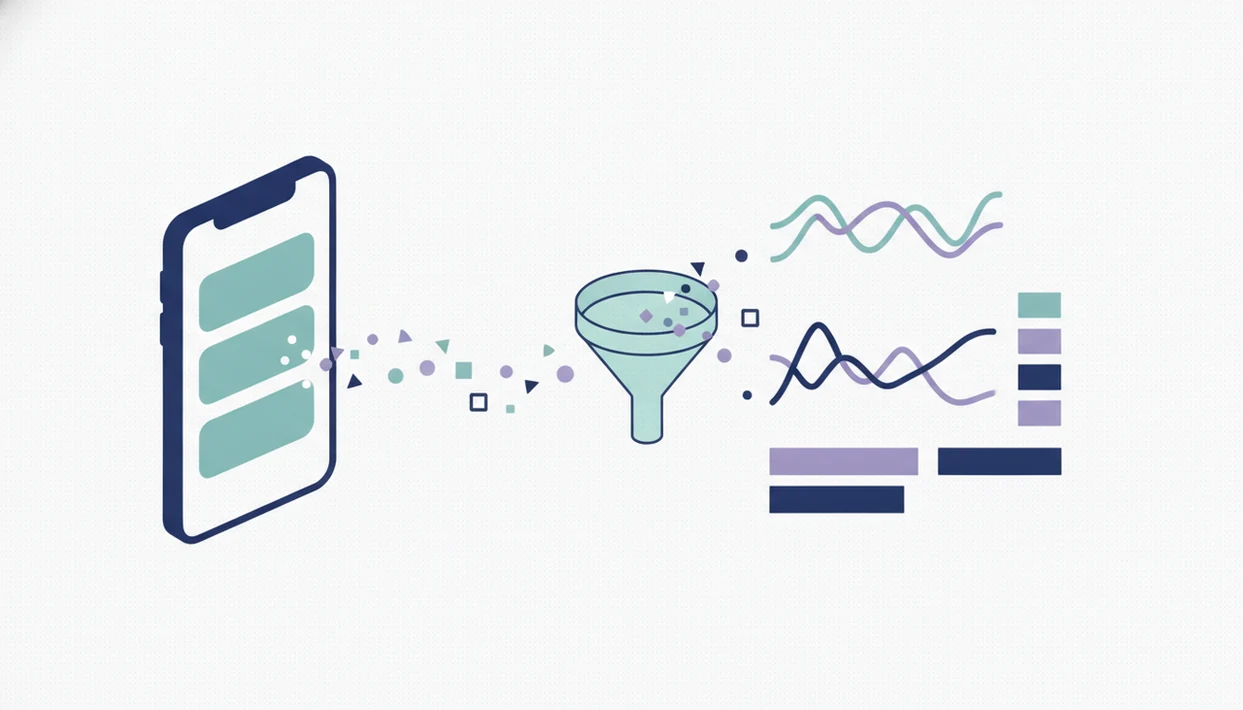
App analytics for beginners means tracking the key actions people take inside your app so you can improve activation, engagement, retention, and revenue. Start with a small event plan tied to your app goals, then review the same metrics every week before adding more complexity.
> App analytics is the practice of collecting and interpreting app usage data, such as opens, screen views, feature actions, purchases, retention, and acquisition sources, to understand whether an app is working for users and the business.
- App analytics is not just downloads; it measures what users do after install.
- Beginners should track a small set of goal-based events before building complex dashboards.
- Analytics shows what happened, but user research and experiments are needed to understand why.
App Analytics For Beginners Definition And Core Metrics
App analytics tracks what users do after install, not just how many people downloaded the app. The beginner metric set usually includes users, sessions, screen views, events, conversions, retention, churn, and revenue.
A session shows a visit. A screen view shows where the user went. An event records a meaningful action, such as completing signup, starting a trial, saving an item, or buying a plan. Retention and churn show whether people come back or disappear after the first few days.
The right metric set depends on the app goal. A subscription app may care about trial starts and upgrades. A content app may care about article reads, saves, and repeat use. A marketplace may care about search, checkout, and completed orders.
The practical question is simple: does the app work for users, and does it work for the business?
App Analytics At A Glance For Beginners
App analytics includes acquisition, product usage, retention, conversion, and revenue metrics. Acquisition tells you where users came from; product usage tells you what they did after arriving.
| Metric category | Example data | Decision it supports |
|---|---|---|
| Acquisition | Store impressions, product page views, campaign source | Which channels deserve more budget |
| Product usage | Screen views, taps, feature events | Which features need improvement |
| Conversion | Signups, trials, purchases, checkout exits | Where the funnel leaks |
| Retention | Day 1, Day 7, repeat sessions | Whether users find ongoing value |
| Revenue | Purchases, subscriptions, refunds | Whether monetization matches behavior |
Apple’s App Analytics in App Store Connect helps developers understand how users discover and interact with an app or game, according to Apple’s own source. Firebase is also a common beginner option, especially when a team wants app measurement tied to engineering workflows.
A beginner dashboard should make the post-install path visible: install, first open, signup, first value, repeat session, and purchase or upgrade.
Five App Analytics Facts Beginners Should Know
These five app analytics facts are the beginner baseline before choosing tools or dashboards.
- Downloads do not prove engagement, retention, revenue, or product success.
- Analytics helps answer which features users use, where they drop off, and which actions lead to signup, purchase, or repeat use.
- Different apps need different metrics because goals, audiences, monetization models, and growth stages change the measurement plan.
- Tracking should be planned before launch or early in testing, so the first real users create usable baseline data.
- App analytics can support product decisions and marketing ROI decisions when events are tied to goals.
For beginners, a small event plan is often better than a large dashboard because every tracked action should support a decision.
A founder checking keyword rank in a spreadsheet before coffee may see one term move from position 18 to 23. That is useful for app store discovery, but it still does not show whether new users activated.
How App Analytics Works Inside An App
App analytics works by recording named events when users take actions inside the app. An event might be `screenopened`, `signupcompleted`, `subscribetapped`, `checkoutabandoned`, or `tutorial_finished`.
Event properties add context. A subscription event might include plan type, platform, price, country, campaign, or screen name. In plain terms, the event says what happened; the property explains the surrounding details.
Data usually reaches dashboards through software development kits, app store reporting, and attribution systems. Product analytics studies in-app behavior. Marketing attribution connects installs, users, or purchases back to campaigns.
Keep product analytics and marketing attribution in separate dashboard views at first. Product analytics explains where onboarding breaks; attribution explains which campaign, store source, or referral produced the install, signup, or purchase.
App Analytics Requirements Before Tool Setup
Define the app goal before choosing events. Common goals include signup, habit formation, purchase, upgrade, content consumption, referral, or repeat use.
Next, map the main user journey from install to first value to repeat use. A team should identify the first screen, first meaningful action, activation point, conversion step, and retention behavior. Default dashboards may not match that funnel.
Team inputs matter. The product owner defines the decision. The developer confirms what can be instrumented. The marketer labels acquisition sources. A privacy or compliance reviewer should check consent, platform rules, and sensitive data handling when relevant.
Firebase describes its analytics product as an app measurement solution available at no charge and able to track up to 500 distinct events, per its source. That limit is not a target. A beginner plan may need 12 well-named events, not hundreds.
Power Themes can sit beside tool-specific resources such as appfigures.com, Sensor Tower Blog, RevenueCat’s blog, Firebase documentation, and App Store Connect help when beginners need to separate store visibility, in-app behavior, subscriptions, and campaign reporting.
How To Use App Analytics In Six Beginner Steps
Use app analytics by starting with one goal, mapping the journey, choosing a short event list, testing the data, and reviewing decisions weekly.
- Set one business goal. Choose signup, purchase, subscription upgrade, habit formation, or content use.
- Map the user journey. Write the path from install to first value to repeat use.
- Choose core events. Track only actions that explain activation, conversion, retention, or revenue.
- Add event properties. Include context such as platform, plan type, screen name, campaign, or price.
- Test data quality. Compare dashboard events with real test sessions before trusting reports.
- Review weekly decisions. Ask what will change in the app, store listing, or campaign.
Firebase can track up to 500 distinct events, but beginners should not treat that as an assignment. We have seen the spreadsheet freeze panes during a video call while nobody can explain why event 47 exists.
For early teams, a six-step analytics routine is usually easier than a complex dashboard because it connects measurement to one weekly product decision.
Common App Analytics Mistakes For Beginners
Beginner analytics mistakes usually come from measuring activity without connecting it to a decision. The result is a dashboard that looks busy but does not change the product.
- Download proof. Treating installs as success hides weak activation, low retention, and poor conversion.
- Event sprawl. Tracking too many events creates noise when no one knows what decision each event supports.
- Naming drift. Using `signupdone` on iOS, `signup_complete` on Android, and `registrationSuccess` on web breaks reporting.
- Mixed reporting. Combining acquisition and product behavior without labels confuses campaign performance with in-app experience.
- No action loop. Reviewing charts without changing onboarding, pricing, copy, or campaigns turns analytics into recordkeeping.
A Play Console pre-launch report screenshot with red accessibility and crash markers can be more urgent than any dashboard. Fix the broken path first, then measure the funnel.
For teams working on mobile user acquisition, acquisition reporting should be read beside activation and retention, not in isolation.
App Analytics Verification And Weekly Review Routine
Analytics verification means proving that dashboard data matches real user actions. Test with real devices, test accounts, known actions, and a written checklist before using reports for product or budget decisions.
Check event counts, funnel order, platform differences, duplicate events, and missing events. If five testers complete signup and the dashboard shows three completions, pause the analysis. The report is not ready.
A simple weekly review should cover one product metric, one retention metric, one conversion metric, and one acquisition metric if marketing is active. The meeting should end with a decision: fix onboarding, rewrite a screen, adjust pricing copy, pause a campaign, or create a follow-up experiment.
Version notes rewritten before dinner often reveal the real issue. The team is not shipping “improved engagement.” It is fixing the step where new users fail to reach first value.
Retention analysis belongs beside app retention metrics, because a high activation rate can still hide weak repeat use.
Limitations
App analytics is useful, but it cannot prove every cause behind user behavior. Treat it as evidence for decisions, not as a substitute for research, testing, or judgment.
- Analytics shows what users did, not necessarily why they did it. - Poorly named or inconsistent events can create misleading reports across iOS, Android, and web. - Tracking too many events can create noise and slow decision-making. - Default dashboards may not match the app’s business model, pricing model, or funnel. - Attribution and acquisition data can be affected by privacy limits, platform rules, consent settings, and measurement gaps. For example, Apple’s App Tracking Transparency framework requires apps to request permission before tracking users across other companies’ apps and websites (source). - Analytics can support growth decisions, but it does not guarantee retention, revenue, or product-market fit. - Qualitative research, user interviews, usability testing, and experiments are needed to interpret behavior. - Store data and in-app data may disagree, especially when campaign labels or install sources are incomplete.
Before you submit a build, compare the policy text against the workflow. The App Store Connect yellow warning banner is a bad time to discover that metadata, tracking, and consent were handled separately.
Teams planning churn reduction strategies need behavior data, but they also need user feedback about what made people leave.
FAQ
What is app analytics?
App analytics is the collection and interpretation of data about how people use an app. It covers actions such as opens, screen views, taps, signups, purchases, retention, and acquisition sources.
Why does app analytics matter?
App analytics helps teams see whether users are activating, engaging, converting, and returning. It supports product decisions, retention work, conversion improvements, and marketing budget choices.
Which app metrics matter first?
Beginners should usually start with users, sessions, screen views, key events, conversions, retention, churn, and revenue. The exact list should match the app’s goal and funnel.
Are downloads an app metric?
Yes, downloads are an app metric, but they are incomplete on their own. They do not show whether users opened the app, found value, converted, or came back.
When should analytics be added?
Analytics should be planned before launch or during early testing. Early setup gives the team baseline data before paid campaigns, store listing changes, or major release decisions.
What are app events?
App events are tracked user actions inside an app. Common examples include app opens, button taps, screen views, completed signups, purchases, trial starts, and abandoned checkouts.
Is Firebase app analytics free?
Firebase describes its analytics offering as available at no charge. Teams should still assess whether its event model, privacy requirements, reporting needs, and platform fit match the app.
Can analytics explain user behavior?
Analytics can show behavior patterns, such as where users drop off or which features they use. User interviews, usability testing, feedback, and experiments are needed to understand motivation.