
How to Check and Humanize AI Text on Your Phone
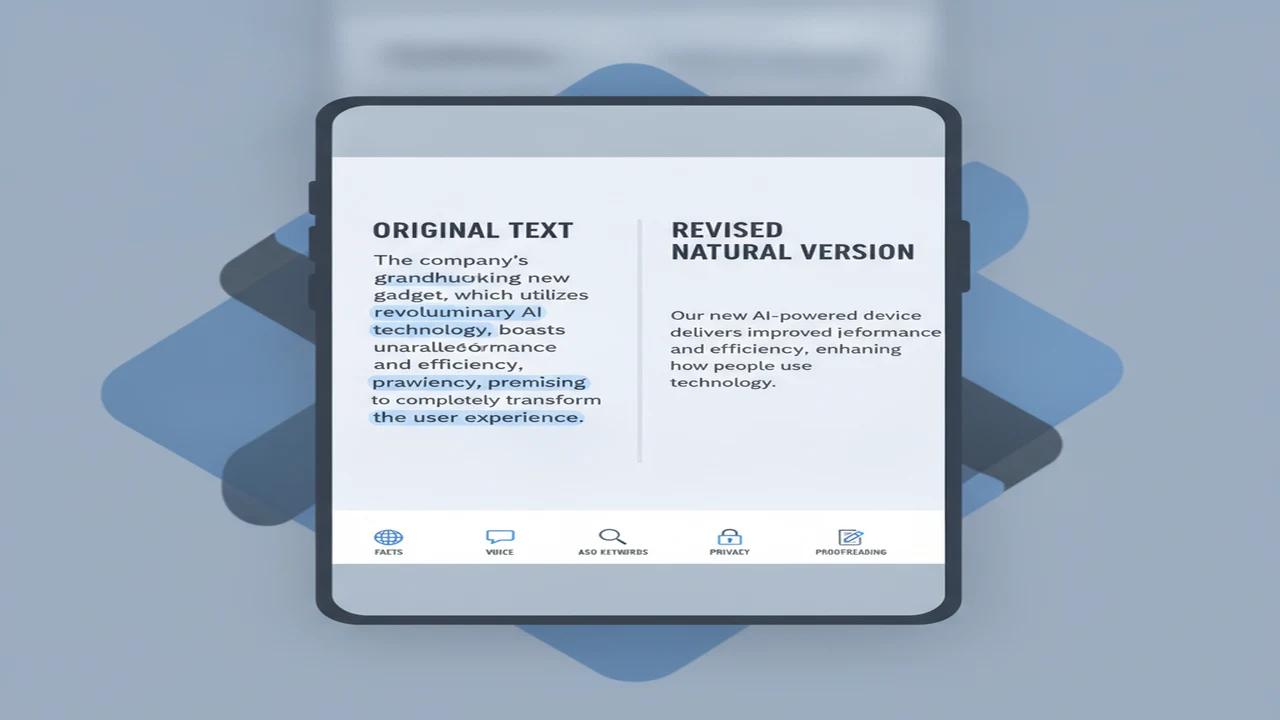
Checking AI text on a phone is less about chasing a perfect score and more about managing a compact editing session. Clipboard limits, small-screen comparisons, overwritten drafts, and aggressive one-tap rewrites can create more risk than the detector result itself.
The useful workflow separates detection from editorial judgment. An AI content detector can point to repetitive or generic passages, while the writer decides what must change. That distinction matters as coverage of AI-generated content and detection tools continues to show why publishers, app teams, and individual writers care about provenance and quality.
Quick answer: Paste the draft into a mobile AI checker and use its result to identify passages that need review, not to decide authorship. Revise generic wording, repetition, rhythm, and weak details in short passes. Preserve an untouched draft, verify facts and target keywords, recheck the edited copy, and finish with a manual proofread for voice, accuracy, and meaning.
What does this mean?
Definition: Checking and humanizing AI text is the process of reviewing machine-assisted writing for detectable patterns, then editing its wording, rhythm, specificity, and structure so it reads naturally while preserving the intended facts and meaning.
What should you prepare before checking AI text on a phone?
Start with an untouched copy in Notes, a document app, or your team workspace. Mobile clipboard actions are easy to mis-tap, and a humanizer may replace wording, formatting, or line breaks. Name the working copy clearly so you can return to the source without reconstructing it.
Remove customer names, account details, unreleased roadmap information, private support conversations, and other confidential material before pasting. If the text cannot safely leave its current system, edit it manually instead of submitting it to a third-party checker.
Define the copy's job before revising it. An App Store description needs feature specificity and careful keyword placement. An onboarding screen needs brevity and a clear next action. A support response needs accuracy and empathy. Readers choosing a tool can also review our guide to the best AI detector and humanizer apps in one before deciding between a browser and native-app workflow.
- Save the untouched source draft
- Remove private or confidential details
- Split long text into short sections
- Scan each section with an AI checker
- Mark repetitive or generic passages
- Rewrite for specificity and natural rhythm
- Compare the revision with the original
- Verify every factual claim and keyword
- Recheck the edited copy
- Proofread the final version manually
How do you check AI-generated text from a mobile browser?
Open the online AI detector in your mobile browser, paste one manageable section, start the check, and review any score or highlighted wording shown by the interface. Keep the original open in another tab or app so you can annotate changes without losing the source.
Use highlights as editing prompts. Ask whether a marked sentence is vague, repetitive, overly polished, unsupported, or detached from the product context. A detector result cannot establish who wrote the passage, so do not rewrite a clear and accurate sentence solely because it was flagged.
Snippet length can affect how useful a result is. QuillBot recommended at least 80 words per check in 2023, which suggests that a short button label or isolated headline may provide too little context. Combine related sentences where appropriate, but split long drafts by logical sections rather than arbitrary character counts.
Demand for these workflows extends beyond occasional copy checks. Grammarly reported more than 50,000 organizations using its writing tools in 2023, while GPTZero reported that its web detector had analyzed more than 300 million documents as of 2024. Those figures indicate scale of use, not detector accuracy.
- Paste a complete paragraph or coherent group of sentences.
- Record the result beside the version name rather than relying on browser history.
- Mark the exact wording that needs editorial attention.
- Check claims, tone, and repetition before changing anything.
- Keep passages that are specific, accurate, and appropriate for the user journey.
How do you humanize AI writing in an iPhone app?
For a native iPhone route, the Australian App Store lists ACI Humanizer. Review the current store page, compatibility information, in-app purchase details, privacy disclosure, and recent version notes before installation because these details can change.
In the first session, check how quickly you can reach the text field. Account creation, subscription prompts, tutorials, paste limits, and permission requests all add onboarding friction. A writing utility should make the primary paste, check, revise, and copy-back path easy to understand.
Paste a short section and choose the relevant checking or rewriting control. After a rewrite, compare names, numbers, citations, product terminology, required disclaimers, headings, and list formatting. An AI Humanizer may improve rhythm while still changing a factual qualifier or removing an ASO phrase.
Copy the result into a new version rather than over the original. If the app offers history or saved sessions, confirm how those drafts are stored and deleted. Do not assume a native app handles unpublished text locally unless its current documentation explicitly explains that behavior.
- Confirm that the installed app matches the intended App Store listing.
- Inspect subscription and trial messaging before starting a recurring plan.
- Test the copy-back flow with non-sensitive text first.
- Check whether line breaks, bullets, and headings survive the rewrite.
- Reject any revision that changes facts, intent, or required terminology.
Which edits make AI-assisted writing sound more natural?
Replace generic openings with the user's situation. Instead of saying an app makes writing easier, identify the moment: revising an App Store subtitle on a commute, shortening onboarding copy before release, or answering a support ticket from a phone.
Vary sentence length without forcing informality. Combine choppy fragments when they interrupt comprehension, then shorten sentences carrying several claims. Natural rhythm comes from clear thought structure, not random synonyms or deliberate grammar mistakes.
Remove repeated conclusions, filler transitions, and broad praise. Add concrete nouns, platform details, feature constraints, and outcomes that can be verified. Preserve established brand capitalization and product labels so the revision does not introduce inconsistency across the listing and in-app UI.
Calls to action should match the next step. Store copy can invite an install, onboarding copy can request one permission with a reason, and a feature prompt can explain the immediate benefit. For more on deciding where checking ends and rewriting begins, see AI Detector vs AI Humanizer.
- Replace generic claims with specific user, feature, or platform context.
- Cut repeated summaries and empty transition phrases.
- Mix concise sentences with longer explanatory ones.
- Retain product names, technical terms, and approved ASO keywords.
- Turn unsupported superlatives into factual descriptions.
- Use contractions only when they fit the established brand voice.
- Write one clear action for the current stage of the user journey.
- Read the paragraph aloud to find stiff rhythm or missing words.
How should you compare the original and humanized versions?
Place the source and revision side by side when the phone supports split view. Otherwise, keep them in two clearly named notes and switch between the same paragraph in each. Review meaning first, because polished wording is not useful if it changes the claim.
Run the comparison in layers: facts, voice, readability, grammar, keywords, formatting, and action. This prevents a high-level tone review from hiding a deleted qualifier, altered price, unsupported feature, or damaged store-listing keyword.
A second pass through AI Detector App can show whether the edited wording produces a different signal. A copy-back pass from AI Humanizer, AI Checker: ACI should receive the same scrutiny as a draft from an AI Writer or AI Chat tool. Neither result replaces ownership by the editor.
- Highlight every factual change, even when the new wording sounds plausible.
- Confirm that target keywords remain readable and correctly placed.
- Check headings, bullets, punctuation, and paragraph breaks on the actual phone screen.
- Keep useful specificity from the original instead of accepting every rewrite.
- Save the approved version separately from both source and generated variants.
What can an AI content detector not tell you?
Detector output has boundaries that belong in one decision gate rather than being repeated throughout every editing step.
How can you make this workflow repeatable on iOS and Android?
Create a reusable folder or note template with fields for the source, detector result, flagged passages, revision, fact check, keyword check, and approved copy. Use consistent version names such as source, edit, checked, and final so each session resumes without guesswork.
Choose the platform path based on the task. The named ACI listing is for iPhone, while a web checker can be evaluated from a mobile browser on iOS or Android. Browser use avoids another install, but a native app may offer a more focused copy-back flow. Current listings and documentation should decide the feature matrix.
Keep permissions narrow. Pasting text should not automatically require camera, contacts, microphone, or broad photo access. If OCR or file upload is part of the intended workflow, grant only the access needed for that action and review the app's current privacy disclosures.
For recurring work, add a home-screen browser shortcut, text replacement for the version template, or a share-sheet action only after confirming what data it sends. Our explanation of why AI checker apps give different scores can help teams document why the result is a review signal rather than a release gate.
- Store the source outside the checker or humanizer.
- Use short, coherent sections for mobile sessions.
- Record the tool, date, and draft version with each result.
- Review clipboard contents before switching to an unrelated task.
- Check permissions and subscription onboarding after major app updates.
- Make manual fact-checking and proofreading the final release gate.
Comparison
| Review area | What to inspect on your phone | Keep when | Revise when |
|---|---|---|---|
| Meaning and factual accuracy | Names, figures, qualifiers, links, citations, and feature claims | The revision preserves the source claim and its limits | A fact changes, disappears, or becomes more certain |
| Voice and specificity | Brand vocabulary, audience context, platform details, and concrete examples | The copy sounds consistent and names the real user situation | The wording becomes generic, inflated, or detached from the product |
| Sentence rhythm | Length, transitions, fragments, and overloaded sentences | The paragraph scans naturally without becoming monotonous | Every sentence follows the same pattern or pace |
| Repetition and filler | Repeated benefits, summaries, introductions, and transition phrases | Each sentence contributes a distinct idea | Several lines restate the same point |
| ASO or target keywords | Keyword presence, placement, grammar, and readability | Important phrases remain natural and accurate | The rewrite deletes, stuffs, or distorts a target term |
| Formatting and mobile readability | Headings, bullets, line breaks, punctuation, and paragraph size | The final screen is easy to scan | Copy-back creates dense blocks or breaks the hierarchy |
| Calls to action | Requested action, timing, destination, and user benefit | The action matches the current journey stage | The prompt is vague, premature, or promises an unsupported result |
Limitations
Detector scores are probabilistic signals. Human-written copy can be flagged, while generated text can pass without a warning. Results can also differ among services such as GPTZero and QuillBot because scoring methods, model patterns, supported languages, and text-length requirements vary. A result cannot establish who authored a passage.
Humanizer output introduces a separate risk. It may alter intent, citations, facts, brand terms, formatting, or required ASO keywords while making the prose appear smoother. Compare every revision with the source and verify claims against the primary product documentation.
Privacy and product visibility are also limited. Pasting unpublished, workplace, customer, or personally identifiable information into a third-party service can create data-handling risk. Public listings may not explain every input limit, subscription condition, retention policy, or platform capability, so inspect the current disclosures before using sensitive material.
Frequently Asked Questions
Can an AI detector prove that text was written by AI?
No. A detector estimates whether text resembles patterns associated with generated writing. False positives and false negatives are possible, so the result should guide editorial review rather than establish authorship.
How much text should I check at one time on a phone?
Use a coherent paragraph or short section rather than an isolated sentence. QuillBot recommended at least 80 words in 2023, but the practical limit also depends on the tool, screen size, input field, and complexity of the draft.
Can I humanize AI writing without changing its meaning?
Yes, but only with careful comparison. Revise rhythm, specificity, and repetition while preserving facts, qualifiers, citations, product terms, and required keywords. Reject any rewrite that changes the intended claim.
Does AI Detector App work from a mobile browser?
Its product site provides a web-based route that can be evaluated in a phone browser. Check the current page for supported inputs, limits, account requirements, and available checking or rewriting controls.
Is AI Humanizer, AI Checker: ACI available for Android?
The cited listing is from Apple's Australian App Store and identifies an iPhone option. No Android availability should be inferred from that iOS listing; Android users can assess the web workflow or check current Android store listings separately.
Should I check text again after humanizing it?
Yes, if the score is being used as an editing signal. Rechecking can reveal how the revision changed the result, but a lower score should not override factual accuracy, readability, or brand voice.
Can detector or humanizer tools safely process confidential text?
Do not assume so. Review the current privacy disclosures, retention terms, account settings, and deletion controls. Remove identifying or confidential information, or keep the work inside an approved system.
Will humanizing copy hurt ASO keywords or app-store conversion?
It can if a rewrite removes target phrases, weakens feature specificity, changes the value proposition, or makes the call to action less relevant. Recheck keyword placement and read the final listing on a phone before publishing.