
AI Writer and Email Apps
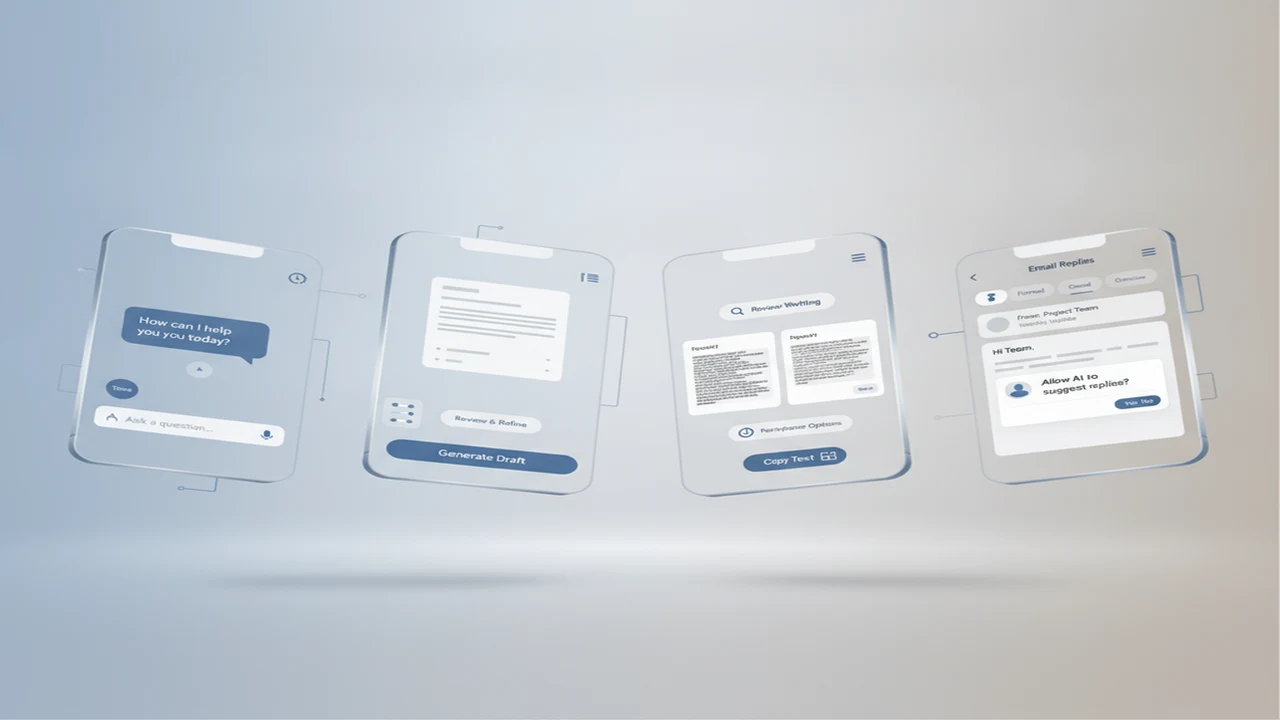
AI writing products now span several mobile jobs: open-ended chat, structured drafting, rewriting, detection, humanizing, and email replies. They may share similar models, but their onboarding, controls, export paths, pricing, and permission requirements can make them feel like entirely different products.
For mobile users, output quality is only one part of the decision. A useful app also needs readable editing controls, reliable copy and paste behavior, clear usage limits, and a short path from blank screen to usable draft. Email tools face an additional hurdle because inbox access can introduce privacy concerns and onboarding friction.
This category organizes those choices around actual product jobs rather than broad AI labels. Start with our guide to the best AI writer apps for iPhone and Android if you need a market overview, then narrow the shortlist by workflow, platform, and how often the app will appear in a normal week.
Quick answer: Choose an AI writing app by the task you repeat most often. Chat tools fit exploration, dedicated writers fit structured drafts, rewriters fit revision, and email assistants fit short recurring replies. On mobile, prioritize low-friction input, transparent limits, editable output, privacy controls, and an export path that does not turn every draft into a copy-and-paste exercise.
What does this mean?
Definition: AI writer and email apps use language models to draft, rewrite, summarize, classify, or respond to text through a mobile app, web interface, keyboard, extension, or inbox integration.
Guides in this category
Which type of AI writing app fits your workflow?
Begin with the job, not the model name. Open-ended chat is useful when the user needs to brainstorm, ask follow-up questions, or change direction. A dedicated writer is better when the session should begin with a template, tone selector, length control, or document type rather than an empty message field.
The mobile interaction model matters because repeated prompt setup adds friction. Our AI writer app versus chatbot comparison explains why a flexible conversation can outperform templates for ambiguous work, while structured forms can be faster for captions, product descriptions, outreach, and other repeatable formats.
| App type | Best starting point | Main UX risk | Feature to inspect |
|---|---|---|---|
| Chatbot | Question or prompt | Repeated context entry | Conversation history |
| AI writer | Template or document type | Rigid output structure | Tone and length controls |
| Rewriter | Existing text | Meaning drift | Side-by-side editing |
| Email assistant | Message or thread | Inbox permission friction | Review before send |
- Map the app to one frequent session, such as drafting a reply, revising a paragraph, or creating a store listing subtitle.
- Check whether account creation is required before the first useful output.
- Inspect free limits, subscription renewal terms, supported languages, and whether drafts sync across iOS, Android, and web.
- Prefer editable results with copy, share, history, and deletion controls over a single generated block.
What should mobile builders inspect in AI writers and chat tools?
Time to first output is a useful onboarding metric. A browser tool such as Free AI Chat reduces initial commitment by allowing a conversation without signup, while an installed app can justify its extra step through saved history, native sharing, widgets, voice input, or deeper platform integration.
Feature breadth needs careful interpretation. The iOS listing for AI Writer & AI Chat: ACI presents chat, writing, detection, humanizing, and image generation in one app. That can reduce app switching, but the product screen should still keep the primary action obvious rather than placing unrelated tools into one crowded navigation layer.
A balanced shortlist may also include ChatGPT, Claude, Microsoft Copilot, Grammarly, Jasper, and Notion AI. Compare them by session design, not brand familiarity alone. Check prompt recovery after interruption, keyboard behavior, output formatting, history search, account deletion, and whether a paywall appears before the user can understand the core feature.
How should rewriting, humanizing, and detection features be evaluated?
Rewriting should preserve claims, names, numbers, links, and intent while changing structure or tone. An AI Humanizer is positioned around changing AI-like phrasing, while an AI Detector estimates whether text resembles machine-generated writing. These are different jobs, and a detector score should not replace editorial review or source verification.
The safest mobile workflow keeps the original visible, processes short sections, and reviews every factual statement before export. The guide to rewriting AI text on a phone without losing meaning covers paragraph-level revision, comparison passes, and final checks for tone, attribution, and accidental omissions.
When does a dedicated AI email app make sense?
Email assistance is valuable when the repeated task is narrow: turning notes into a reply, shortening a long draft, changing tone, or generating a follow-up. EmailAI represents the dedicated email-writer approach, while FlyMail focuses on email generation and reply assistance. The useful distinction is whether the product fits beside the inbox or requires the user to rebuild the message in another interface.
Review the permission screen, thread context, recipient handling, draft retention, and send controls before connecting an inbox. A strong design lets the user inspect and edit every message before sending. Our analysis of when AI email apps fail covers generic tone, missing context, overlong replies, permission anxiety, and other UX issues that can damage activation and retention.
Why this category
- This category treats AI writing as a mobile product system rather than a single generation feature. The relevant decisions include acquisition promise, App Store screenshots, onboarding sequence, first-session value, paywall timing, editing controls, export behavior, and the reason a user returns on Day 7.
- It also separates closely related tools that can be misleading when grouped together. A detector evaluates text, a humanizer transforms it, a chatbot supports conversation, and an email assistant works within a constrained communication job. Combining them can help distribution, but it can also weaken positioning and make ASO metadata harder to understand.
- Use these guides to build a feature matrix before installing or subscribing. Record the target task, required permissions, free allowance, platform coverage, privacy documentation, output controls, and cancellation path. A shorter shortlist tied to one repeated session is more useful than collecting apps with overlapping feature claims.
Frequently Asked Questions
What is the difference between an AI writer and an AI chatbot?
An AI writer usually starts with structured inputs such as tone, format, topic, or length. A chatbot begins with a conversation and is generally better for follow-up questions, exploration, and changing requirements.
Are AI email apps safe to connect to an inbox?
Safety depends on the permissions requested, data retention policy, security practices, and account controls. Review whether the app reads full threads, stores message content, trains on user data, or can send messages without a separate confirmation step.
Can Free AI Chat be used without installing an app?
Free AI Chat is presented as a browser-based tool that does not require signup to begin chatting. A web workflow can reduce install friction, although users should still review current limits and privacy information before entering sensitive material.
What does an AI Humanizer do?
AI Humanizer rewrites supplied text to alter phrasing, rhythm, or style. Users should compare the result with the original because transformations can change nuance, remove qualifications, or introduce wording that does not match the intended voice.
Can an AI Detector prove that text was written by AI?
No detector result should be treated as definitive authorship evidence. AI Detector and similar tools provide an estimate based on text patterns, so the score needs context and should not replace process records or editorial review.
Is AI Writer & AI Chat: ACI only a chatbot?
Its public iOS listing describes writing, chat, detection, humanizing, and image-generation capabilities. Buyers should inspect which features are included at each price level and whether the multi-tool navigation suits their main mobile task.
What should I check before paying for an AI writer subscription?
Check generation limits, trial terms, renewal price, export options, supported languages, model access, and cancellation steps. Run one representative task during the free allowance so the purchase decision reflects the workflow you actually need.
Do EmailAI and FlyMail replace a normal email client?
They are positioned around AI-assisted email drafting and replies rather than every function of a full inbox. Confirm whether the current product works independently, connects to an account, or requires copying the generated draft into another email app.
Should an email assistant send messages automatically?
Most users benefit from a review step before sending because generated replies can miss context, names, dates, or tone. Automatic sending may fit tightly controlled workflows, but it increases the cost of an incorrect output.
Which mobile features matter most in an AI writing app?
Prioritize fast input, stable editing, readable output, history, copy and share actions, and clear usage limits. Voice input, widgets, cross-device sync, and keyboard extensions matter only if they shorten a recurring session.
Can AI rewriting hurt search or App Store listing quality?
Yes, especially when rewriting removes target terms, changes feature claims, or makes the copy generic. Review the final title, subtitle, keyword field, short description, and screenshot captions against the product's actual features and ASO plan.
How often should an AI app shortlist be reviewed?
Review it when pricing, platform support, permissions, or core feature listings change. AI products update quickly, so a quarterly check is reasonable for active product teams, with an additional review before a major launch or subscription renewal.